
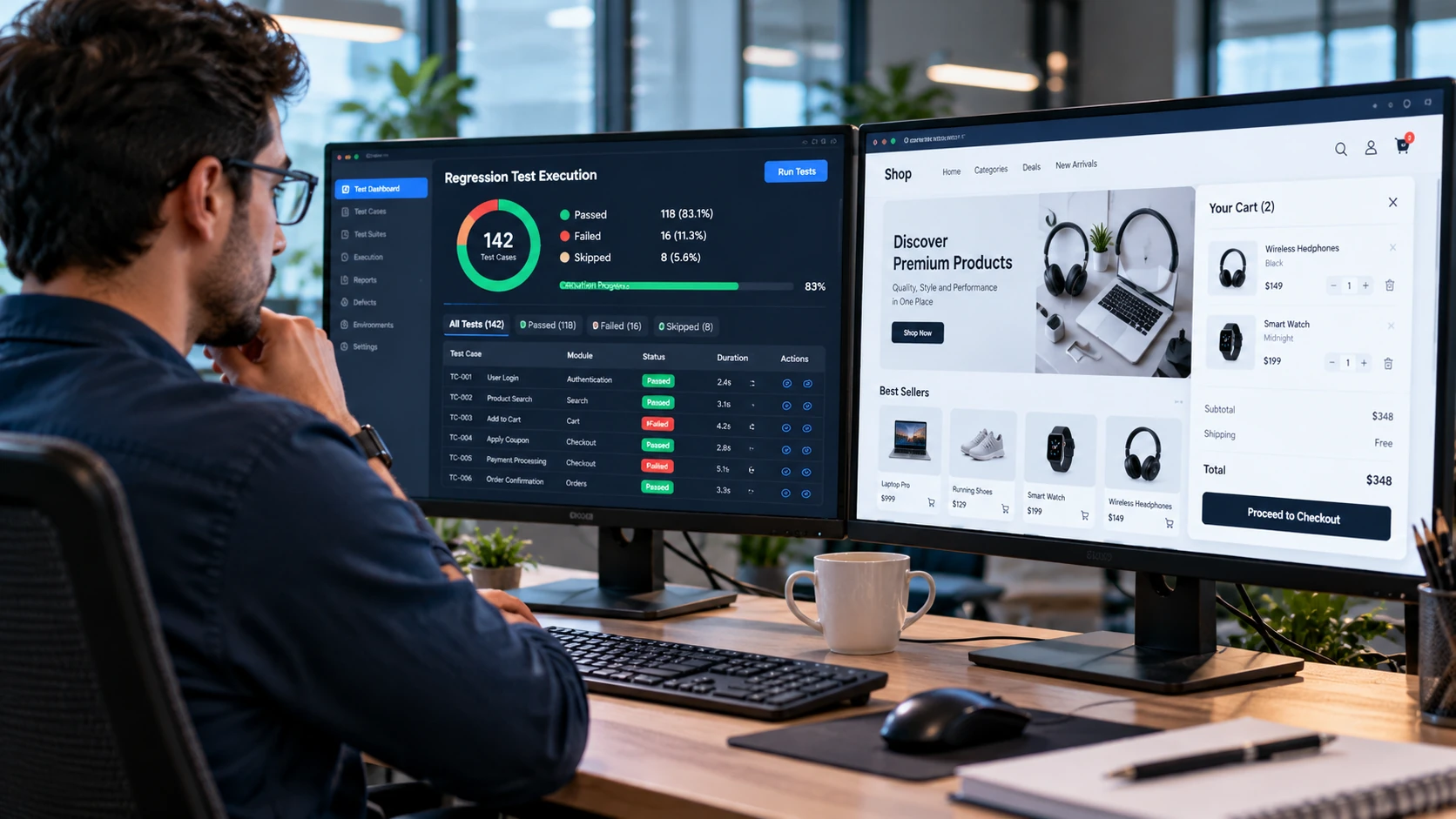
A developer fixes a checkout bug in an online store. The corrected feature works, but customers can no longer apply discount codes. The original problem is solved, yet the update has created another problem.
This is exactly the kind of issue regression testing is designed to detect.
Regression testing checks whether changes to software have unintentionally affected functionality that previously worked. It helps QA engineers identify unexpected side effects after bug fixes, feature updates, configuration changes, and other modifications.
The goal is not to test every feature after every change. It is to select appropriate tests based on what changed, which parts of the application may be affected, and the risks involved.
This guide explains regression testing with practical examples, sample test cases, a step-by-step workflow, and a reusable checklist for QA engineers.
What Is Regression Testing in Software Testing?
Regression testing is a type of software testing performed after changes to an application to identify defects introduced into previously working functionality.
For example, updating a shopping cart’s price calculation might unintentionally affect discount codes, shipping charges, or the final checkout total.
A QA engineer uses regression tests to check whether those related features still behave according to their requirements.
The ISTQB terminology reference for regression testing describes it as testing intended to detect defects introduced or exposed in unchanged parts of a program following modifications.
Regression testing can be performed manually or through automated tests. It may be applied at different testing levels, including component, integration, and system testing.
Why Is Regression Testing Important?
Software features rarely operate in complete isolation.
A change in one component can affect another component through shared logic, databases, APIs, configuration, or dependencies.
Regression testing helps teams:
- Detect unexpected side effects after changes.
- Verify previously working functionality remains reliable.
- Reduce the risk of defects reaching users.
- Support informed release decisions.
- Maintain confidence in frequently updated applications.
However, passing a regression test suite does not prove that an application is free of defects. The results apply only to the behaviors and conditions covered by the selected tests.
When Should Regression Testing Be Performed?
Regression testing is useful whenever a software change could affect existing functionality.
Common situations include:
| Software change | Potential regression risk |
| Bug fix | Related behavior may stop working |
| New feature | Existing workflows may interact incorrectly with the feature |
| API modification | Connected services may receive unexpected responses |
| Database change | Existing data operations may behave differently |
| Dependency update | Application behavior may change because of updated libraries |
| Configuration change | Previously working features may fail in a particular environment |
The appropriate testing scope depends on the change and its potential consequences.
A minor text correction may require little functional regression testing. A payment-processing change may require broader checks across ordering, discounts, refunds, and transaction records.
The decision should be based on risk rather than applying the same test suite to every update.
Regression Testing Example: E-Commerce Checkout Update
Consider a fictional online shopping application with these features:
- Customer login
- Product catalog
- Shopping cart
- Discount codes
- Shipping calculation
- Checkout and payment
The development team changes the logic responsible for calculating shipping charges.
The new calculation appears to work correctly.
However, the same order total is used by discount and payment calculations, so the change could affect other checkout functions.
Step 1: Identify the Change
The updated requirement states that shipping charges must be calculated according to the customer’s selected delivery option.
The tester verifies the new shipping behavior.
This is testing the changed functionality.
The regression task is to identify what previously working behavior could have been unintentionally affected.
Step 2: Identify Related Features
The tester reviews the checkout workflow and identifies possible dependencies.
| Related feature | Potential impact |
| Shopping cart | Incorrect total after changing quantity |
| Discount code | Discount applied to the wrong amount |
| Shipping selection | Incorrect charge when changing delivery methods |
| Tax calculation | Incorrect tax amount if shipping affects the taxable total |
| Payment | Amount sent for payment differs from the confirmed order total |
| Order confirmation | Recorded amount differs from the checkout amount |
Tax treatment, discount rules, and shipping calculations vary between applications. Expected results must come from the actual business requirements.
Step 3: Select Regression Test Cases
The tester chooses tests for functionality that should remain correct after the change.
| Test ID | Test scenario | Expected result |
| REG-01 | Update product quantity | Cart total recalculates correctly |
| REG-02 | Apply an eligible discount | Discount follows configured business rules |
| REG-03 | Change shipping method | Final total updates according to the selected method |
| REG-04 | Remove a cart item | Total excludes the removed item |
| REG-05 | Complete a test payment | Payment amount matches the confirmed order |
| REG-06 | View order confirmation | Recorded order amount matches the completed checkout |
These are illustrative test cases. They require application-specific inputs, preconditions, and expected values before execution.
If you need help documenting those details, CareerTechGuide’s guide to writing software test cases explains how to structure steps and expected results.
Step 4: Execute the Tests and Review Results
Suppose the tester executes all six selected cases.
Five pass, but REG-02 fails because the discount is applied to an incorrect amount.
The original shipping change works, but an existing feature has developed a defect.
The QA engineer documents the failure, identifies the affected build and environment, and shares reproducible evidence with the development team.
The release decision depends on the defect’s impact, severity, affected users, and established release criteria.
The important lesson is that successfully implementing a new requirement does not guarantee that existing functionality remains unaffected.
How to Perform Regression Testing in 7 Steps
A consistent workflow helps teams focus their testing effort and produce results that support release decisions.
Step 1: Understand What Changed
Review the development ticket, bug fix description, code change summary, or release notes.
Identify which components were modified and what behavior is expected.
If the scope is unclear, ask the developer or product owner for clarification.
Step 2: Perform Change Impact Analysis
Determine which parts of the application may depend on the changed functionality.
Consider shared APIs, database tables, reusable components, business rules, and connected workflows.
For example, changing authentication could affect account access, profile management, saved carts, and permission-based features.
Do not assume that only the screen modified by the developer is at risk.
Step 3: Select Appropriate Regression Tests
Choose test cases based on potential impact and business importance.
Prioritize critical workflows, previously unstable features, and areas closely connected to the change.
A larger suite may be justified for high-risk modifications.
For a limited, low-risk change, a smaller targeted suite may provide appropriate feedback.
Step 4: Prepare the Test Environment
Confirm that the correct build is deployed and required services are available.
Prepare test accounts, test data, permissions, and relevant integrations.
Where possible, use repeatable data and controlled environments.
Tests that depend on changing or inconsistent data may produce unreliable results.
Step 5: Execute the Selected Tests
Run manual and automated checks according to the plan.
Compare actual outcomes with requirements and expected results.
If an automated test fails, investigate whether the cause is a product defect, a test script problem, unavailable test data, or an environment issue.
Do not automatically classify every failed automated test as a software defect.
Step 6: Report Defects and Retest Corrections
Document confirmed failures with clear reproduction steps and relevant evidence.
When developers correct a defect, verify that the specific issue is fixed.
Then consider whether the fix requires additional regression checks.
If you need a reporting format, CareerTechGuide’s bug reporting guide explains how to make defect reports understandable and reproducible.
Step 7: Summarize Results and Remaining Risks
A regression testing summary should communicate:
- Which build and environment were tested.
- Which test cases were executed.
- Which tests passed, failed, or were blocked.
- Which defects remain unresolved.
- Which important areas were not tested.
- Whether the results meet the team’s agreed release criteria.
Testing should support an informed decision, not promise that defects cannot occur after release.
How to Select Regression Test Cases Using Risk
Running every existing test after each code change may be impractical.
Risk-based selection helps teams concentrate on areas where an unexpected failure could be especially important.
Consider two factors:
Impact: What would happen if the feature failed?
Likelihood: How plausible is it that the recent change could affect the feature?
A payment failure may have significant business impact. A purely cosmetic problem may have lower impact, depending on its context.
A recent change to shared checkout logic may also make payment-related defects more plausible than defects in an unrelated static content page.
Example Regression Test Priority Matrix
| Risk level | Example | Suggested approach |
| High | Payment amount, authentication, order creation | Prioritize relevant regression tests |
| Medium | Product filters or account preferences | Test based on change dependencies |
| Low | Unrelated static informational content | Consider minimal checks if genuinely unaffected |
These classifications are illustrative. Actual priorities must reflect the application’s requirements, architecture, business impact, and available evidence.
A Practical Test Selection Method
Start by identifying modified components.
Map their direct dependencies and important connected workflows.
Review historical defect patterns where reliable data exists.
Then select tests that cover the highest-impact failure possibilities.
Document important exclusions so the team understands what was not validated.
Risk-based testing does not mean ignoring low-priority features permanently. It means making deliberate coverage decisions within the available testing time.
Manual vs Automated Regression Testing
Regression testing can be performed manually, automatically, or through a combination of both.
The correct approach depends on the application, test frequency, requirements, and maintenance effort.
| Factor | Manual regression testing | Automated regression testing |
| Execution | Performed by a tester | Executed using test scripts or tools |
| Suitable situations | Changing requirements and exploratory checks | Repeated, predictable workflows |
| Initial setup | Often relatively limited | Requires automation design and implementation |
| Repeated execution | Requires ongoing human effort | Can run with less routine manual intervention |
| Maintenance | Test documentation and data still require updates | Scripts, environments, and data require updates |
| Main limitation | Repetitive execution can become expensive | Unreliable tests may produce misleading failures |
When Manual Regression Testing Makes Sense
Manual testing can be useful when a feature changes frequently, expected behavior requires human evaluation, or automation would cost more to maintain than the value it provides.
It is also appropriate for exploratory checks that investigate unexpected behavior around a change.
When Automation Makes Sense
Automation is useful for stable, repeatable checks that must run frequently.
Login, checkout, API validation, and other business-critical workflows may be suitable candidates when their expected behavior can be verified reliably.
Tools such as Selenium can support browser-based regression testing. BrowserStack’s Selenium regression testing guide describes practical automation approaches and test-suite maintenance.
Automated suites can also run in CI/CD pipelines. For example, GitHub Actions supports workflows that execute tests when code changes are proposed or merged.
Automation does not eliminate the need for human investigation, test design, or maintenance.
Regression Testing vs Retesting
Regression testing and retesting are closely related, but they serve different purposes.
Retesting, also called confirmation testing, checks whether a previously reported defect has been fixed.
Regression testing checks whether the change has introduced unexpected problems in other previously working functionality.
| Aspect | Retesting | Regression testing |
| Objective | Verify a specific fix | Detect unwanted side effects |
| Test selection | Previously failed conditions | Previously working behavior at risk |
| Scope | Focused on the corrected defect | Based on change impact and regression risk |
| Trigger | A defect correction | A software or environment change |
For example, after fixing an incorrect shipping total, retesting checks whether the shipping calculation now produces the required value.
Regression testing checks whether the fix affected discounts, cart totals, payments, or other connected functionality.
Both may be necessary for the same change.
Regression Testing vs Smoke Testing
Smoke testing checks whether essential application functionality works well enough for further testing.
Regression testing examines whether changes have affected functionality that previously worked.
A small smoke suite may run immediately after a new build is deployed. More targeted or broader regression checks may then follow.
Smoke tests can sometimes be included within a regression suite, but the terms are not interchangeable.
The essential distinction is the testing objective: build readiness versus unwanted effects of changes.
Common Regression Testing Mistakes
Running Every Test Without Considering Risk
Executing the entire test suite for every minor change can waste time and delay useful feedback.
Select tests based on impact, dependencies, and project needs.
Testing Only the Changed Feature
Verifying the new behavior does not check for unintended effects elsewhere.
Include previously working functionality that could plausibly be affected.
Maintaining Outdated Test Cases
Tests based on obsolete requirements may create false failures or provide little value.
Review the regression suite as the application evolves.
Ignoring Unstable Automated Tests
A test that fails unpredictably can undermine confidence in the results.
Investigate unstable scripts, inconsistent test data, timing problems, and environment dependencies.
Treating Passing Tests as a Quality Guarantee
A regression suite checks selected behavior under specific conditions.
Passing tests can provide useful evidence, but they cannot demonstrate that every possible defect has been eliminated.
Regression Testing Checklist for QA Engineers
Use this checklist before completing a regression testing cycle.
1: Confirm the build and change details.
2: Identify modified components and affected dependencies.
3: Review relevant requirements and previous defects.
4: Select regression tests based on risk.
5: Prepare the test environment and data.
6: Execute the selected manual or automated checks.
7: Investigate unexpected failures.
8: Record confirmed defects and supporting evidence.
9: Retest corrected issues where applicable.
10: Summarize test outcomes and remaining risks.
This checklist is a starting point. Teams working with critical or regulated applications may require additional controls, traceability, and testing evidence.
Frequently Asked Questions About Regression Testing
What Is Regression Testing With an Example?
Regression testing checks whether software changes have affected existing functionality. For example, after updating checkout shipping calculations, testers may verify that discount codes, payment amounts, and order confirmations still behave correctly.
Is Regression Testing Functional or Non-Functional?
Regression testing can cover both functional and non-functional behavior. The selected tests depend on what the software change might affect, including functionality, performance, security, or other relevant quality characteristics.
Should Regression Testing Be Performed After Every Bug Fix?
Every fix warrants an assessment of possible regression risk. The amount of testing depends on the change, affected components, and potential consequences. A full regression suite is not necessarily required for every small fix.
Can Regression Testing Be Automated?
Yes. Stable and repeatable regression checks are good automation candidates. However, automation requires reliable test design, suitable data, environment management, and ongoing maintenance.
What Is the Difference Between Regression Testing and Retesting?
Retesting verifies that a particular defect has been corrected. Regression testing checks whether the correction introduced unintended effects in previously working functionality.
Who Performs Regression Testing?
Regression checks may be performed by QA engineers, software developers, test automation engineers, or other team members, depending on the project’s testing process and responsibilities.
Final Thoughts
Regression testing helps software teams detect unintended problems after application changes.
The most effective approach begins with understanding the modification, identifying affected functionality, choosing appropriate tests, and reviewing the results against defined requirements.
Not every change requires running the full test suite. A risk-based approach makes testing more focused while preserving attention on critical workflows.
Whether tests are executed manually or through automation, clear test cases, reliable environments, and accurate reporting remain essential.
For your next software update, identify what changed and which previously working features could be affected. Use that information to create a regression test plan that supports a realistic release decision.
