
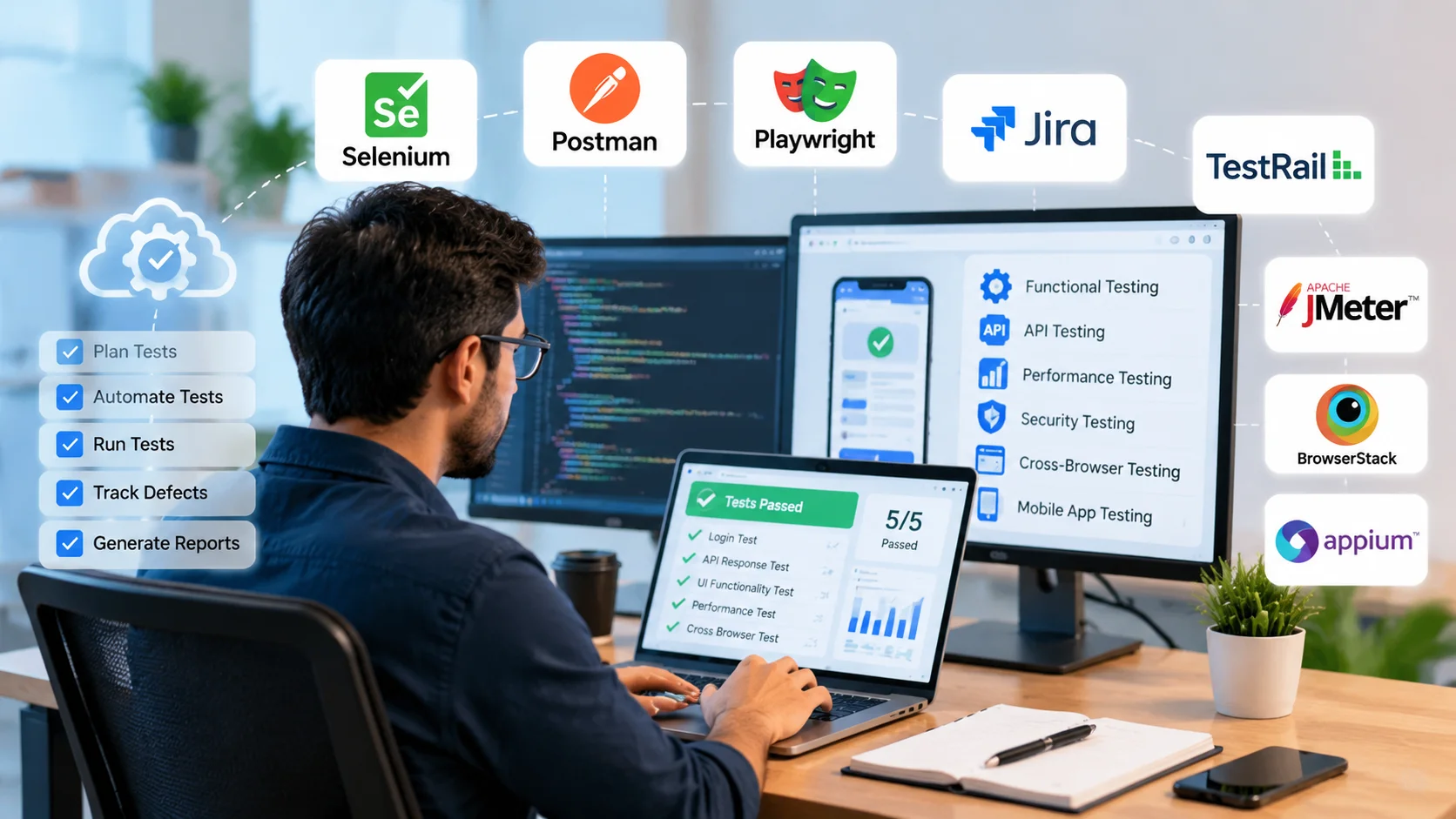
Choosing the right software testing tools is more useful than trying to learn every testing platform available. A QA engineer testing APIs needs a different toolkit from someone automating mobile apps, while an SDET may spend most of their time working with browser automation, API tests, source control and CI/CD pipelines.
This guide compares 14 software testing tools, explains where each one fits, and helps you choose the right software testing tools for your QA role, application type, and testing requirements.
What Are Software Testing Tools?
Software testing tools help testers and development teams plan, execute, automate, monitor and report testing activities.
Modern software testing tools support different testing needs, including automation testing, API validation, performance analysis, security checks, and quality reporting.
Depending on the tool, they may help with:
- bug and work tracking
- test case management
- browser automation
- API testing
- performance testing
- mobile automation
- cross-browser testing
- security testing
- accessibility testing
The term software testing tool covers several different types of technology.
Jira, Selenium and Postman, for example, can all appear in a QA workflow, but they solve very different problems.
Testing Tools vs Frameworks vs Platforms
Understanding the difference makes it easier to build the right testing stack.
| Type | Example | Main Purpose |
| Bug/work tracking tool | Jira | Track bugs, tasks and development work |
| Test management tool | TestRail | Manage test cases, runs and results |
| Automation framework | Selenium WebDriver | Automate browser interactions |
| API testing platform | Postman | Send, organize and automate API requests |
| Cloud testing platform | BrowserStack | Run testing across browsers and devices |
You normally need a combination of tools rather than one product that attempts to solve every testing problem.
Software Testing Tools at a Glance
| Tool | Category | Best For | Coding Required? | Open Source? |
| Jira | Work/bug tracking | Defect and project workflows | No | No |
| TestRail | Test management | Test cases and test runs | No for core usage | No |
| Zephyr | Test management | Jira-based QA workflows | No for core usage | No |
| Selenium | Web automation | Flexible cross-browser automation | Yes | Yes |
| Playwright | Web automation | Modern end-to-end web testing | Yes | Yes |
| Cypress | Web automation | JS/TS web testing | Yes | Core framework is open source |
| Postman | API testing | API exploration and testing | Optional | No |
| REST Assured | API automation | Java-based API tests | Yes | Yes |
| Apache JMeter | Performance testing | Load and performance tests | Some technical knowledge | Yes |
| Grafana k6 | Performance testing | Performance-as-code workflows | Yes | Yes |
| Appium | Mobile automation | Android and iOS automation | Yes | Yes |
| BrowserStack | Cloud testing | Browser and device coverage | Depends | No |
| OWASP ZAP | Security testing | Automated web security checks | Not always | Yes |
| axe-core | Accessibility testing | Automated accessibility checks | Usually | Yes |
The right combination depends on your application, technology stack and testing responsibilities.
Test Management and Bug Tracking Tools
Jira
Jira is primarily a work and issue tracking platform.
QA teams commonly use it to record bugs, track their status, connect defects with development work and collaborate with developers throughout a release.
Best for: defect tracking and development workflows.
Main limitation: Jira itself is not a complete browser automation or dedicated test case management system.
TestRail
TestRail is designed specifically for test management.
It can help QA teams organize test cases, group tests into runs, record execution results and maintain testing history.
Best for: structured manual testing, regression suites and formal test-management workflows.
Main limitation: it manages testing activity rather than replacing the automation frameworks that actually execute browser or API tests.
Zephyr
Zephyr provides test management capabilities for teams working heavily within the Jira ecosystem.
It is useful when QA teams want requirements, development work and test-management activities closely connected.
Best for: Jira-centric teams.
Jira vs TestRail vs Zephyr
| Requirement | Better Fit |
| Bug and task tracking | Jira |
| Dedicated test case management | TestRail |
| Test management closely integrated with Jira | Zephyr |
These products can also coexist within the same QA workflow.
Web Automation Testing Tools
Web automation tools simulate user actions such as opening pages, entering data, clicking buttons and validating application behaviour.
Selenium WebDriver
Selenium WebDriver is a browser automation framework that works with the WebDriver standard and supports automation across major browsers. For setup guides and detailed capabilities, refer to the official Selenium documentation.
Best for:
- cross-browser automation
- existing enterprise automation frameworks
- teams requiring language flexibility
- projects where teams want control over framework architecture
Selenium provides considerable flexibility, but that can also mean more setup and framework design compared with more integrated testing tools.
Playwright
Playwright supports Chromium, Firefox and WebKit-based browser automation. It is available for JavaScript/TypeScript, Python, Java and .NET ecosystems. The official Playwright documentation provides detailed information about supported browsers, languages, and testing features.
Best for:
- modern end-to-end web testing
- cross-browser automation
- new automation projects
- teams that want an integrated browser-testing workflow
Playwright also provides features such as isolated browser contexts, tracing and automatic waiting that can reduce some common automation setup work.
Cypress
Cypress is focused heavily on modern web application testing and the JavaScript/TypeScript ecosystem.
Its current browser support includes Chrome-family browsers and Firefox, while WebKit remains experimental.
Best for:
- JavaScript/TypeScript teams
- frontend-heavy applications
- interactive test debugging
- end-to-end and component testing workflows
Selenium vs Playwright vs Cypress
| Factor | Selenium | Playwright | Cypress |
| Language options | Broad | JS/TS, Python, Java, .NET | Mainly JS/TS |
| Cross-browser support | Strong | Chromium, Firefox, WebKit | Chrome-family, Firefox; experimental WebKit |
| Framework flexibility | Very high | High | More integrated |
| Best fit | Existing/custom frameworks | Modern cross-browser testing | JS/TS frontend workflows |
There is no universal winner. If your organization already has a mature Selenium framework, replacing it purely because another framework is newer may add unnecessary migration cost.
For a new project, compare application requirements, browser coverage, programming language and team experience before deciding.
API Testing Tools
Postman
Postman is useful for exploring APIs, sending requests, inspecting responses, creating collections and writing API tests.
Collections can also be executed through the Postman CLI as part of CI/CD pipelines.
Best for:
- learning API testing
- manual API investigation
- creating request collections
- automated API checks
- collaborative API workflows
REST Assured
REST Assured is a Java-focused library for automating REST API testing.
It is particularly useful when a project’s broader automation stack is already based on Java.
Best for: code-based API automation in Java projects.
Postman vs REST Assured
| Need | Better Fit |
| Explore an API quickly | Postman |
| Learn basic API concepts | Postman |
| Send manual requests | Postman |
| Build Java API automation | REST Assured |
| Maintain API tests directly as Java code | REST Assured |
Many teams can use both: Postman during exploration and a code-based framework for larger automated regression suites.
Performance and Load Testing Tools
Apache JMeter
Apache JMeter is an open-source performance testing tool commonly used to create load and stress-testing scenarios.
Best for:
- load testing
- stress testing
- HTTP/API performance testing
- teams comfortable with JMeter’s test-plan approach
Grafana k6
Grafana k6 provides a code-oriented approach to performance and reliability testing.
Current k6 tests can be written using JavaScript or TypeScript.
Best for:
- performance-as-code
- CI/CD-oriented performance testing
- engineering teams comfortable with scripting
- JavaScript/TypeScript workflows
JMeter vs k6
| Factor | JMeter | k6 |
| Test authoring | Test-plan/configuration approach | JavaScript/TypeScript |
| Workflow | Traditional performance testing | Performance-as-code |
| Team fit | Configuration-oriented testers | Code-oriented teams |
| CI/CD | Supported | Strong fit |
Choose according to your team’s skills and existing development workflow.
Mobile Testing Tools
Appium
Appium is an open-source automation ecosystem that uses drivers for different platforms, including Android and iOS testing environments.
Best for:
- Android automation
- iOS automation
- native and hybrid mobile testing
- QA engineers targeting mobile-testing roles
Appium should not automatically be part of every tester’s learning plan. If you only test web applications, browser and API automation may provide more immediate value.
Cross-Browser and Device Testing
BrowserStack
BrowserStack provides cloud-based browser and device infrastructure.
Platforms such as BrowserStack become useful when a team needs testing coverage across more browser, operating-system and device combinations than it can realistically maintain locally.
It should be viewed as infrastructure that can complement frameworks such as Selenium or Playwright rather than as a direct replacement for them.
Security Testing Tools
OWASP ZAP
OWASP ZAP can perform passive and active security checks against web applications. QA engineers can review scanning features and security testing guidelines in the official OWASP ZAP documentation.
Its own documentation warns that active scanning cannot identify every vulnerability. Logical vulnerabilities such as some broken-access-control problems can require manual testing.
Best for QA engineers: adding authorized, repeatable security checks to a broader testing process.
Only perform active scanning against systems you own or have explicit permission to test.
Accessibility Testing Tools
axe-core
axe-core is an open-source accessibility testing engine for HTML-based interfaces.
It can be integrated with existing automated testing workflows. Its project documentation states that automated axe-core rules can detect an average of about 57% of WCAG issues, with other cases requiring manual review.
That makes automated accessibility testing useful, but not sufficient by itself.
AI-Assisted Software Testing
AI capabilities are increasingly appearing inside testing products and platforms.
Common use cases include:
- generating test suggestions
- analyzing failures
- assisting with locator maintenance
- generating test cases
- prioritizing tests
- summarizing testing results
Do not select a testing product simply because it advertises AI.
Instead ask whether the capability reduces meaningful maintenance or debugging work while keeping tests understandable and trustworthy.
Testing fundamentals such as risk analysis, assertions, test design and debugging remain more important than a particular AI feature.
How to Choose the Right Software Testing Tool
Selecting the right software testing tools depends on your application, testing goals, technology stack, and team workflow.
Start With the Application
Ask what you are testing:
- web application
- API
- Android or iOS app
- backend service
- desktop application
Identify the Testing Requirement
Determine whether you need:
- functional testing
- browser automation
- API testing
- performance testing
- mobile testing
- security testing
- accessibility testing
- cross-browser testing
Match the Programming Ecosystem
A Java team may naturally use REST Assured for API automation.
A TypeScript team may find Playwright, Cypress or k6 easier to integrate.
Introducing another programming language solely because a tool is fashionable can increase maintenance and onboarding costs.
Check CI/CD Support
Automated tests provide more value when they can run repeatedly during development and deployment. Consider how a tool will handle environments, credentials, reporting, test data and pipeline execution.
Consider the Total Cost
Do not evaluate only the license price.
Also consider:
- setup
- cloud infrastructure
- maintenance
- training
- debugging
- reporting
- test execution time
An open-source tool can still have a significant operational cost.
Consider Long-Term Maintenance
Before selecting a tool, ask whether your team will still be able to understand and maintain the suite after hundreds or thousands of tests have been created.
Which Software Testing Tools Should QA Engineers Learn?
The answer depends on the role you are targeting. If you are planning a career in QA, understanding the complete software testing career path can help you choose the right skills and tools to learn.
| Career Direction | Useful Tools/Skills to Prioritize |
| Manual QA | Jira/test management, Postman, browser DevTools, SQL basics |
| Web automation QA | Programming fundamentals, Selenium or Playwright/Cypress, Git |
| Java SDET | Java, Selenium/Playwright, REST Assured, JUnit/TestNG, CI/CD |
| JS/TS automation QA | Playwright/Cypress, Postman, k6, Git, CI/CD |
| Mobile QA | Appium, API testing, Android/iOS debugging tools |
Do not attempt to learn every framework simultaneously.
Choose one stack relevant to the jobs or projects you are targeting and learn it deeply.
Example QA Testing Stack
A project might combine:
| Requirement | Example Tool |
| Bug tracking | Jira |
| Test management | TestRail |
| Web automation | Playwright |
| API exploration | Postman |
| API automation | REST Assured |
| Performance | k6 |
| Mobile automation | Appium |
| Browser/device coverage | BrowserStack |
| Security checks | OWASP ZAP |
| Accessibility checks | axe-core |
This is only an example.
A team should build its stack around the product and engineering environment rather than copying a generic tool list.
Common Mistakes When Choosing Testing Tools
Learning Too Many Tools at Once
Knowing five framework names is less valuable than knowing how to design, debug and maintain reliable tests with one of them.
Choosing Based Only on Popularity
A popular tool may still be the wrong choice for your programming language, application or infrastructure.
Ignoring Programming Fundamentals
Automation frameworks change over time. Programming fundamentals such as functions, conditions, objects, asynchronous behaviour, debugging and clean code transfer between tools.
Treating Automation as a Replacement for Manual Testing
Automation is strong at repeatable checks. Exploratory testing, usability evaluation and scenarios requiring human judgment still have an important role.
Ignoring CI/CD
A test suite that only works on one engineer’s computer is difficult to scale. Consider repeatable environments, test data, reporting and pipeline execution early.
Confusing Test Management With Automation
Jira, TestRail and Selenium solve fundamentally different problems. Choose tools according to the testing problem they solve.
Frequently Asked Questions
What are software testing tools?
Software testing tools are applications, platforms, libraries and frameworks used to support activities such as test management, bug tracking, browser automation, API testing, performance testing, mobile testing and other QA activities.
Which software testing tool is best?
There is no universal best tool. The right choice depends on your application, programming language, testing requirement, infrastructure, budget and team experience.
Which testing tools should a beginner QA engineer learn?
A beginner can start with a defect-tracking workflow, test management, Postman, browser developer tools and basic SQL. After learning testing fundamentals, choose one automation framework relevant to your target role.
Is Jira a software testing tool?
Jira is primarily a work and issue tracking platform. QA teams use it extensively for bugs and testing-related work, but it does not replace dedicated automation frameworks.
Is Selenium still worth learning?
Selenium remains useful where job requirements or existing projects use Selenium-based automation. For new projects, compare Selenium with alternatives such as Playwright and Cypress rather than automatically selecting one framework.
Should I learn Selenium or Playwright first?
Look at the jobs and projects you are targeting. If the target environment relies heavily on Selenium, learning Selenium makes sense. For a new modern web automation project, Playwright is also worth evaluating based on browser coverage, language and project requirements.
What tools are used for API testing?
Postman is useful for API exploration and collection-based testing, while REST Assured is useful for code-based API testing in Java environments.
What tools are used for performance testing?
Apache JMeter and Grafana k6 are two common open-source options with different workflows.
Are there free software testing tools?
Yes. Examples include Selenium, Playwright, Appium, Apache JMeter, Grafana k6, OWASP ZAP, REST Assured and axe-core.
Final Takeaway
There is no reason for a QA engineer to master every software testing tool. Instead, focus on the software testing tools that solve your project’s specific testing challenges.
Start with the type of application you test and the problems you need to solve.
Learn one tool deeply enough to use it on a real project, understand its limitations, and then expand your toolkit when your responsibilities require it. The tools will continue to change. Your understanding of test design, risk, debugging, automation and software quality will transfer with you.
