
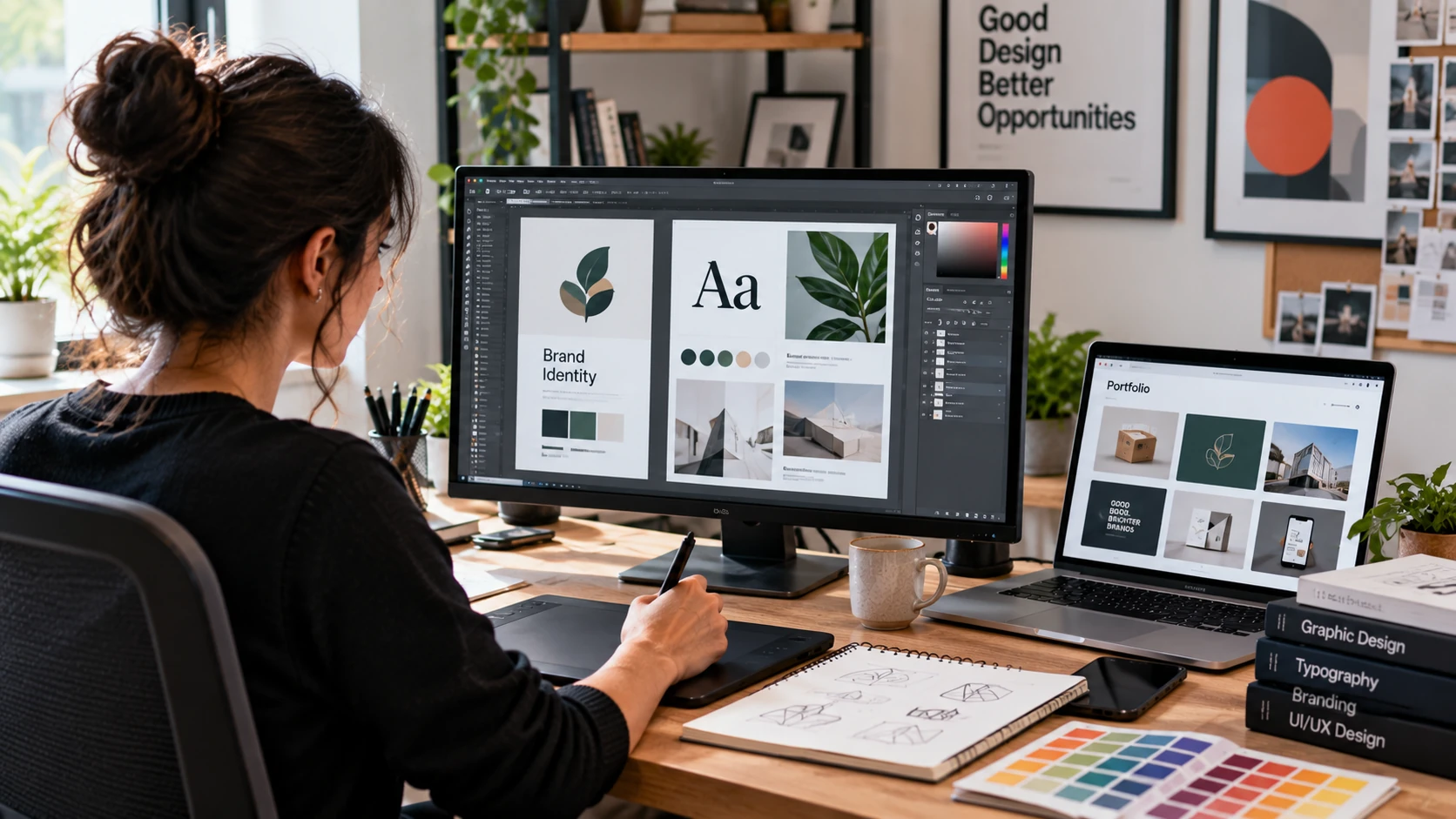
Starting a graphic design career can be confusing because software is often presented as the starting point. Beginners may jump between Photoshop tutorials, Canva templates, logo challenges, and AI tools without learning why one visual solution communicates better than another.
A stronger graphic design career path begins with visual communication: typography, hierarchy, composition, color, imagery, audience, and the design brief. Software helps you execute those decisions, but the tool itself does not make the decision good.
This guide gives beginners a practical path from fundamentals to portfolio evidence and job or freelance preparation. It also explains where AI fits, how to choose tools without learning everything at once, and how to judge career readiness using work you can actually defend.
What Does a Graphic Designer Actually Do?
Graphic designers create visual communication for a defined audience and purpose. Depending on the role, the work may include brand identities, campaigns, social content, editorial layouts, packaging, presentations, web graphics, or other digital and print applications.
The work is more than decoration. A designer interprets a brief, organizes information, develops visual directions, responds to feedback, prepares final assets, and often collaborates with marketers, writers, developers, printers, or other specialists.
Professional design resources from AIGA emphasize matching portfolio evidence to the actual work: the brief, artifacts, decisions, collaborators, constraints, and handoff. That is a useful model for beginners because it shifts attention from attractive mockups to explainable design decisions.
Is Graphic Design Still a Good Career?
There is no single answer for every country, specialization, or type of employment. Demand differs across traditional graphic design, branding, digital design, UI work, motion, marketing, and freelance services. Beginners should check current vacancies in the market where they plan to work instead of relying on a global promise.
In the United States, the Bureau of Labor Statistics projects employment for graphic designers to decline 2% from 2025 to 2035, while still projecting about 16,000 openings per year on average, largely from workers leaving the occupation or labor force. BLS also notes that automated design tools, including AI, may improve productivity and reduce some demand while companies still need designers for visual layouts and branding.
The practical takeaway is not that design is ‘dead’ or guaranteed to grow. It is that beginners need stronger evidence of judgment, communication, adaptability, and relevant portfolio work rather than relying only on software knowledge.
Graphic Design Skills to Learn Before Chasing Tools
A strong graphic design career path starts with fundamentals rather than software. Before focusing on specific tools, build your understanding of typography, layout, color, hierarchy, and audience-focused visual communication.
Typography
Learn readability, hierarchy, alignment, spacing, type categories, and how typography changes tone. Practice creating a clear heading, supporting text, and call to action before experimenting with many fonts.
Layout, Composition, and Visual Hierarchy
Learn grids, alignment, proximity, balance, scale, whitespace, and visual flow. A viewer should be able to understand what matters first, what belongs together, and where to look next.
Color and Contrast
Understand color relationships, contrast, consistency, and accessibility. Do not choose colors only because they look attractive together; connect them to readability, context, and brand requirements.
Brand and Audience Thinking
A design is created for someone. Practice defining the audience, message, desired action, constraints, and brand context before opening design software. These questions turn an exercise into a design problem.
Graphic Design Tools Beginners Should Learn
Choose tools based on the work you want to create. Learning four applications superficially is usually less useful than learning one workflow well and adding another tool when the project requires it.
| Tool | Useful For | Beginner Focus |
| Adobe Photoshop | Raster images, photo editing, digital compositions | Selections, masks, layers, image correction, export |
| Adobe Illustrator | Logos, icons, vector graphics, identity assets | Shapes, paths, type, vector construction, export |
| Figma | Interface layouts, digital design, prototypes | Frames, layout, components, reusable systems |
| Canva | Fast content and template-based production | Hierarchy, consistency, brand assets—not template dependence |
If your direction is interface design, use the Figma tutorial for beginners as a focused tool-learning path rather than trying to turn this career guide into a complete Figma course.
Complete Graphic Design Career Roadmap for Beginners
Phase 1 — Learn Visual Fundamentals
Study typography, hierarchy, composition, grids, color, imagery, and basic accessibility. Outcome: redesign a simple poster or information piece and explain what you changed and why.
Phase 2 — Learn One Production Workflow
Choose a tool aligned with your target work and recreate simple exercises to understand the mechanics. Outcome: produce clean files using layers, naming, correct dimensions, and suitable exports.
Phase 3 — Work From a Brief
Stop designing random visuals. Write or use a brief with an audience, message, required applications, constraints, and definition of completion. Outcome: create two or three concepts and justify the selected direction.
Phase 4 — Build Connected Design Systems
Practice consistency across several applications: for example, a logo, color/type system, social assets, and a landing-page direction. Outcome: show that one visual idea can work as a system rather than a single image.
Phase 5 — Build Portfolio Case Studies
Select your strongest relevant projects and document the problem, role, constraints, exploration, decisions, feedback, revisions, final applications, and honest limitations. Outcome: portfolio evidence that can support an interview discussion.
Phase 6 — Practice Real-World Delivery
Learn feedback, revisions, file preparation, handoff, deadlines, and professional communication. Outcome: complete a realistic project from brief to organized final files.
Phase 7 — Target Jobs or Clients
Choose a role or service direction, study actual requirements, reorder your portfolio around the closest evidence, and prepare to explain your contribution. Outcome: focused applications rather than sending the same portfolio everywhere.
Portfolio Projects Beginners Should Build
Portfolio work is an important stage in your graphic design career path because it shows employers or clients how you apply design principles to realistic problems.
| Project | Evidence to Show | Avoid |
| Brand identity | Brief, concepts, logo system, type/color choices, applications | Showing only a logo mockup |
| Campaign / social system | Audience, message hierarchy, reusable visual system, multiple formats | Unrelated posts with no campaign logic |
| Editorial or information design | Grid, hierarchy, typography, content organization | Decorating content without solving readability |
| Landing page or digital layout | Content hierarchy, responsive thinking, components or states | Treating UI as only a visual poster |
| Packaging concept | Brand context, hierarchy, required information, multiple views | Ignoring production or information constraints |
Portfolio quality is not measured by the number of projects. Curate work for the audience reviewing it. Clearly state your role and credit collaborators when a project was completed with other people.
How AI Changes the Graphic Design Workflow
AI can assist with ideation, variations, image generation, repetitive production tasks, and exploration. That does not remove the need to define the communication problem, evaluate outputs, protect confidential information, check rights and usage conditions, maintain brand consistency, and prepare appropriate final assets.
For beginners, the risk is using generated output to skip the learning that builds judgment. Use AI as an assistant where appropriate, but remain able to explain the brief, selection criteria, edits, and final design decisions. Tool capabilities and licensing terms change, so verify the current terms of any service used in commercial work.
Graphic Design Career Paths
| Direction | Typical Portfolio Evidence |
| General Graphic Designer | Campaigns, layouts, brand applications, production work |
| Brand / Visual Identity Designer | Identity systems, guidelines, applications, rationale |
| Digital / Visual Designer | Responsive digital layouts, systems, handoff examples |
| UI-focused Designer | Interface screens, components, states, prototypes |
| Motion Designer | Storyboards, animation, motion systems, finished sequences |
| Freelance Designer | Relevant client-style work plus clear process and delivery evidence |
For broader career planning beyond design, the tech career roadmap can help you compare the type of work and evidence expected across other technology-related paths.
Do You Need a Degree to Become a Graphic Designer?
Education expectations depend on the employer and market. In U.S. occupational data, a bachelor’s degree is listed as the typical entry-level education for graphic designers, but that is a description of a common pathway rather than a universal legal requirement. Employers may still evaluate portfolios, practical skills, experience, and role-specific requirements.
If you choose a degree, course, bootcamp, or self-directed path, evaluate whether it gives you useful briefs, critique, production practice, collaboration, and portfolio evidence. A credential and a portfolio answer different questions.
How to Get Your First Graphic Design Job or Client
- Choose the type of work you want to pursue before rebuilding your portfolio.
- Study current job descriptions or client briefs and note recurring deliverables and skills.
- Place the most relevant case studies first instead of presenting every project you have made.
- Write a short role statement for each project explaining exactly what you contributed.
- Practice explaining two or three design decisions, alternatives considered, and feedback received.
- Prepare organized source files and exports so your portfolio is supported by production discipline.
- Apply for relevant junior roles, internships, freelance opportunities, or other legitimate entry routes without claiming experience you do not have.
For freelance work, also learn scope, revisions, timelines, payment terms, rights, and written agreements appropriate to your jurisdiction. Creative skill alone does not manage a client engagement.
Graphic Design Job-Readiness Checklist
Before applying, ask whether you can:
- Turn a simple brief into more than one visual direction.
- Use typography, hierarchy, spacing, color, and imagery deliberately.
- Produce clean files in at least one relevant professional workflow.
- Build a small visual system rather than only isolated graphics.
- Receive critique and revise work without losing the brief.
- Explain your contribution and credit collaborators accurately.
- Prepare appropriate files or handoff information for the next person in the workflow.
- Present several relevant portfolio case studies and explain the decisions in them.
- Discuss where AI or templates were used instead of presenting assisted work as entirely manual or original.
Common Mistakes Beginner Graphic Designers Make
- Learning software commands without studying visual communication.
- Copying popular styles without understanding the audience or brief.
- Building a portfolio from random exercises with no target role.
- Showing only final mockups and hiding the decisions behind them.
- Trying to learn branding, UI, motion, illustration, and every tool simultaneously.
- Ignoring feedback, production details, accessibility, or content constraints.
- Using AI or templates without understanding licensing, originality, or how the output supports the brief.
Frequently Asked Questions
Is graphic design a good career for beginners?
It can be a viable path, but opportunities vary by market and specialization. Beginners should evaluate current local or remote roles and build portfolio evidence that matches the work they want.
Do I need a degree for graphic design?
Not every opportunity has the same requirement. Some employers expect a degree, while others may place substantial weight on portfolio and experience. Check the actual requirements of your target roles.
Which graphic design tool should I learn first?
Choose according to your target work. Illustrator is relevant to vector and identity work, Photoshop to raster image workflows, Figma to interface design, and Canva can support faster content production. Fundamentals should be learned alongside the tool.
Can AI replace graphic designers?
AI can automate or accelerate parts of the workflow, and labor-market effects are still developing. Designers still need to define problems, evaluate outputs, make communication decisions, work within constraints, and deliver appropriate final work.
Can graphic designers work remotely or freelance?
Some roles and projects can be performed remotely or independently, but availability varies by employer, client, location, specialization, and experience.
How long does it take to become a graphic designer?
There is no reliable universal timeline. Progress depends on previous experience, practice quality, critique, project complexity, and the standard expected by your target roles. Judge readiness by the work you can produce and defend.
Final Thoughts
A practical graphic design career path should start with visual communication, not a software checklist. Learn typography, hierarchy, composition, color, and audience thinking; then use the right tools to solve increasingly realistic briefs.
Build a focused portfolio that shows the problem, your role, the decisions you made, how feedback changed the work, and what you delivered. As tools and AI workflows change, that ability to make and explain design decisions remains a more durable foundation than memorizing one application.
