
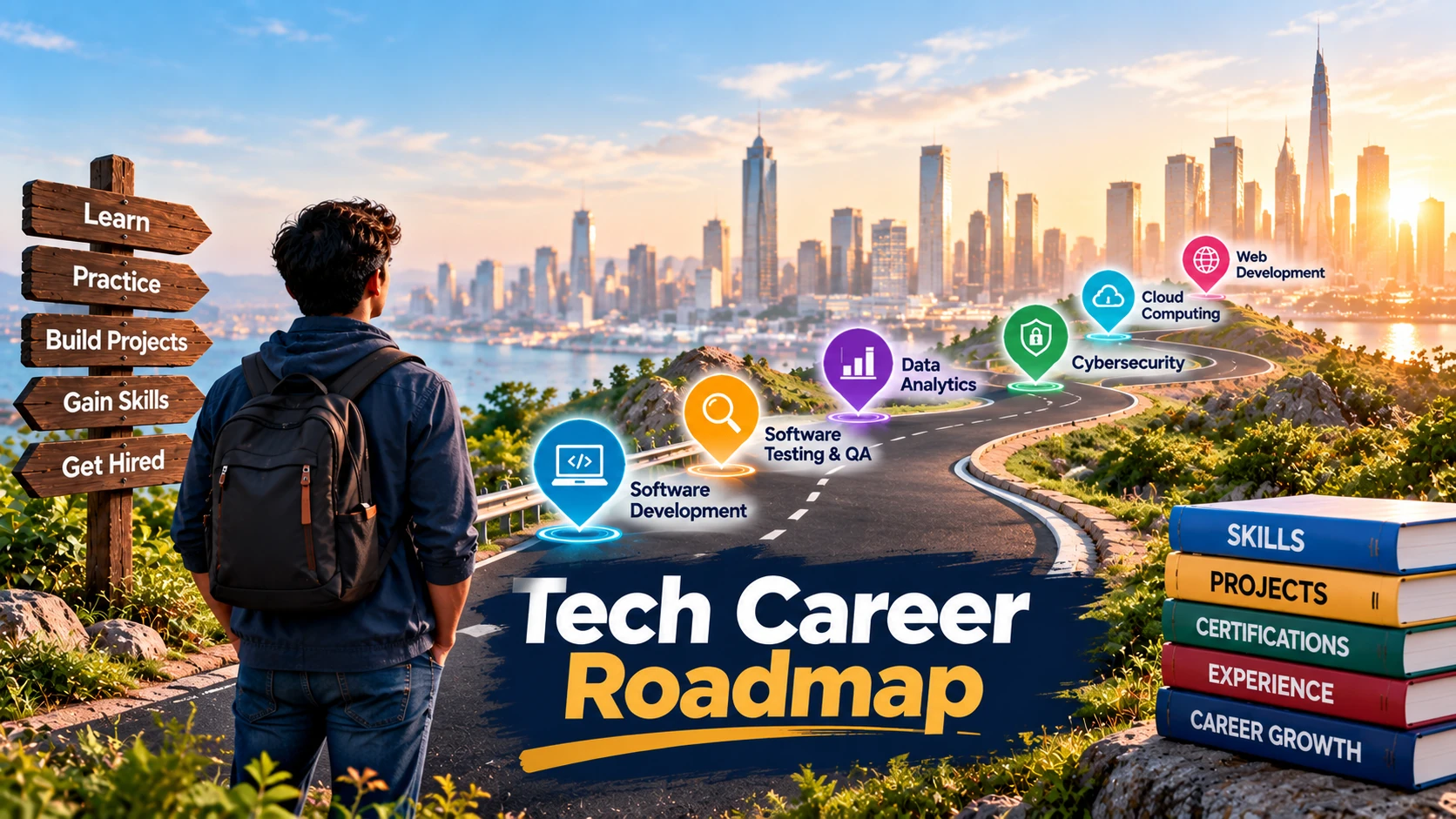
Starting a career in technology can feel confusing when software development, cybersecurity, data analytics, cloud computing and testing all require different skills. The first decision is not which certificate to buy. It is which type of work you want to try and which skills employers actually request for that role.
A practical tech career roadmap connects those decisions: compare paths, choose a direction, learn the foundations, complete relevant projects and prepare evidence for applications. This guide offers exercises and portfolio examples for beginners worldwide. It does not promise a job within a fixed number of months or assume that employers in every country use the same hiring standards.
What Is a Tech Career Roadmap?
A tech career roadmap is a plan connecting your starting skills to the requirements of a particular technology role. It identifies what to learn, how to practice, what to build and when to compare your progress with real job descriptions. A QA learner, for example, may study test design and bug reporting, then test a permitted sample application. A developer instead needs programming, debugging and application-building practice.
Why Beginners Need a Structured Learning Plan
Without a direction, you might finish unrelated tutorials without developing evidence of a specific skill. A roadmap makes progress observable through finished exercises rather than course hours alone. It should also be adjustable: if junior vacancies in your market consistently request SQL, add a SQL exercise. Treat the plan as a decision aid, not a guaranteed hiring timeline. A tech career roadmap can make this process easier by turning broad career goals into specific learning and practice steps.
Explore Different Tech Career Paths
Technology careers include coding-intensive roles and positions where communication, investigation or infrastructure knowledge takes a larger share of the work. The US Bureau of Labor Statistics’ occupation guide describes distinct responsibilities and typical educational pathways across this field. Its information describes the United States, not universal requirements.
Software Development
Software developers design and maintain applications. Programming, debugging, version control and understanding users’ requirements are central. A learner might create a simple task app with input validation, data persistence and a clear setup guide. Choose a language based on the type of application you want to build, rather than collecting languages without completing anything.
Software Testing and Quality Assurance
Testers assess whether software meets requirements, investigate unexpected behavior, document defects and communicate risks. Manual testing and automated checks are complementary rather than separate career guarantees. Start with test scenarios, expected results and reproducible bug reports. Our software testing career guide explains the longer learning path. A testing portfolio can include test cases, execution evidence and a concise defect report.
Data Analytics and Data Science
Analysts clean, query and interpret information to answer business questions. Spreadsheets, SQL, visualization and basic statistical reasoning are useful foundations. Data science positions may involve deeper statistics, programming and model evaluation. For practice, use a public dataset with suitable reuse terms and explain its limitations rather than publishing a graph without a clear question.
Cybersecurity
Security work can include monitoring, incident investigation, identity management, risk assessment and securing systems. Networking, operating systems and security fundamentals matter. An authorized training lab can demonstrate analysis and reporting; it is not proof that you have managed real incidents. Never scan or attack a system without permission.
Cloud Computing and IT Support
IT support focuses on troubleshooting devices, accounts, operating systems and networks. Cloud roles can involve infrastructure, identity, storage, monitoring and deployment. Support experience can build relevant foundations for some infrastructure careers, but cloud engineering still requires additional skills. Practice configuring a local virtual machine and documenting an issue, fix and verification steps.
Web Development and Other Technology Roles
Web developers build sites and web applications. Frontend work centers on interfaces; backend work centers on application logic, data and services. A responsive website with accessible forms can be a useful starting project. Other paths include UX design, business analysis and technical documentation, each with distinct hiring criteria.
| Career path | Useful foundations | Example portfolio evidence |
| Software development | Programming, Git, debugging | Working small application |
| Software testing | Test design, defect reporting | Test cases and bug reports |
| Data analytics | SQL, spreadsheets, statistics | Analysis with methods and limitations |
| Cybersecurity | Networking, systems, security | Authorized lab write-up |
| Cloud / IT support | Operating systems, networking | Documented setup and troubleshooting |
| Web development | HTML, CSS, JavaScript | Responsive website with README |
These are examples of preparation, not universal qualification rules or salary rankings.
How to Choose the Right Tech Career Path
Identify Your Interests and Existing Skills
Try short, hands-on exercises before committing to months of study. Build a small web page, write a test case, analyze a spreadsheet or troubleshoot a virtual machine. Record which tasks held your attention, where you needed help and whether you would enjoy repeating that work. You may discover that your strengths in writing, customer support or operations transfer to a technical role.
Compare Job Requirements Before Choosing
Read a selection of current junior vacancies in your country and note the duties, tools, degree requirements and evidence requested. Separate essential requirements from preferences. Compare those expectations against your available time and equipment. Remote does not automatically mean worldwide eligibility; location and work authorization may still matter. Make your choice based on the work and actual vacancies, not claims that one field is always easy or highly paid. These comparisons help you build a tech career roadmap around the skills employers actually request.
Tech Career Roadmap: Step-by-Step Guide for Beginners
Follow these stages in order, but return to earlier stages when a project reveals a knowledge gap. Each stage should produce a tangible deliverable.
Step 1 — Learn Basic Technology Fundamentals
Understand files, operating systems, networks, applications and databases at an introductory level. Practice installing software, reading documentation, troubleshooting and identifying the difference between a client and a server. Command-line and version-control basics are useful in many paths, although the required depth varies. Deliverable: a short explanation of key concepts and a documented troubleshooting exercise.
Step 2 — Choose One Career Specialization
Select a role and identify the foundations requested in relevant vacancies. A QA plan could include test design, browser developer tools and introductory API testing. A data plan could include spreadsheets, SQL and charts. Arrange skills into ‘learn’, ‘practice’ and ‘demonstrate’ columns. Deliverable: a focused plan tied to actual job descriptions rather than an indiscriminate course list.
Step 3 — Build Practical Skills
Follow a short lesson, then solve a related problem without copying every action. Debug an application, write an original test case or clean a messy dataset. Keep notes about errors and how you resolved them. If a tutorial makes sense only while you are watching it, repeat the exercise independently. Deliverable: several completed exercises with a brief account of your decisions.
Step 4 — Complete Portfolio Projects
Choose one manageable problem, define its scope and set clear completion criteria. Finish the project, verify that it works and document limitations. A simple, explainable result is more useful than an ambitious unfinished repository. Deliverable: a project, case study and accessible documentation that accurately reflect your work.
Step 5 — Prepare for Job Applications
Compare your evidence with junior-role requirements. Create a tailored resume, organize links, practice discussing decisions and identify internships or training opportunities. Track applications and recurring gaps. Deliverable: a truthful resume, relevant portfolio and application tracker. Completing these stages prepares evidence; it does not guarantee an offer.
| Stage | Activity | Evidence |
| Foundations | Learn and troubleshoot | Explained exercise |
| Specialization | Map skills to vacancies | Learning plan |
| Practice | Solve small problems | Completed exercises |
| Portfolio | Finish and document a project | Case study |
| Applications | Tailor and review applications | Resume and tracker |
How to Build a Tech Portfolio Without Experience
A portfolio should answer three questions: what problem did you address, what did you personally do and how can somebody inspect your work? Do not invent clients, employment or performance results. A practice project is useful when honestly labeled.
Choose a Relevant Beginner Project
Select a task resembling your target work. Developers can create a small application; QA learners can test a public practice site that permits testing; data learners can analyze a licensed public dataset. Security learners must use authorized labs. Cloud learners can configure a disposable practice environment while watching for fees. Avoid gathering screenshots unrelated to the skills an employer wants to assess.
Document Your Work and Decisions
Use a consistent case-study structure: objective, scope, tools, approach, evidence, challenges, limitations and next steps. In a QA project, include preconditions, test steps, expected and observed results. In data analysis, explain the source, cleaning decisions and whether conclusions are supported by the sample. Where results are simulated, label them as simulated; never report invented customer conversions or claimed vulnerabilities as real findings.
Present Projects on GitHub or a Portfolio Website
A public repository can contain project files and documentation if you have permission to share them. GitHub’s README guidance recommends explaining what a project does, why it is useful and how to get started. Include a setup guide, sample output and credits where appropriate. Remove credentials, personal data and confidential material. A dedicated portfolio website is optional, particularly for roles where documents or reports demonstrate the work better than code.
Example: hypothetical QA portfolio project
| Item | Example |
| Project | Login and registration testing |
| Objective | Check account access in an authorized sample app |
| Evidence | Test cases, execution results, bug reports |
| Explanation | Why tests were chosen and what was observed |
| Classification | Personal practice, not paid employment |
Do You Need a Degree or Certification for a Tech Career?
Degree Requirements by Career Path
There is no degree rule covering every technology job. The US Bureau of Labor Statistics identifies a bachelor’s degree as typical entry-level education for several US occupations, including software developers and information security analysts. Its computer support specialist profile describes more varied entry routes. These are occupational patterns, not requirements for every vacancy in every country. Check an employer’s stated criteria before assuming that a portfolio replaces a degree.
Certifications Worth Investigating
Certifications can provide structure or show defined knowledge, but eligibility, assessment and costs vary. For software testing, the official ISTQB Foundation Level syllabus describes its scope and study materials. Google’s IT Support Certificate and Cybersecurity Certificate describe introductory training options. Review the current curriculum, regional pricing and target-role requirements before enrolling. None of these credentials guarantees employment.
When Practical Experience Matters
Employers may request evidence of maintaining production systems, supporting users or delivering work with others. A solo practice project cannot automatically replace those experiences. Internships, approved volunteering and genuine open-source work may offer other ways to develop evidence. Identify your exact contribution and seek permission before showing workplace materials.
Free and Paid Resources to Learn Tech Skills
Free Learning Resources
roadmap.sh publishes role-specific learning roadmaps. Official documentation and free tutorials can support practice; freeCodeCamp also offers programming learning materials. Choose resources matching your selected role and verify what is actually free, including whether assessments or certificates require payment. Complete an exercise after every learning unit instead of accumulating bookmarks.
Structured Courses and Certifications
A structured course can help when you want guided assignments and feedback. Compare curricula, prerequisites, access duration, assessments and refund terms. Certificate availability and pricing can differ by region. Finish with an independently explainable project, not just a completion badge.
How to Get Your First Tech Job
Find Entry-Level Job Opportunities
Search role-specific titles such as junior developer, QA trainee, IT support technician, data analyst intern or technical support assistant. Use employer career pages alongside established job boards. Read each description; an ‘entry-level’ title may still require some experience, a degree or local work authorization.
Create a Skills-Based Resume
Include accurate education, skills, relevant projects and genuine work history. Describe outcomes you can substantiate: ‘Designed and executed test cases for a sample application and documented reproducible defects’ is more useful than inventing a paid QA client. Keep portfolio links accessible and check that confidential data is absent.
Prepare for Technical Interviews
Revisit the fundamentals behind your own work. Practice explaining an error, your debugging process, trade-offs and what you would improve. Some employers use exercises, take-home assignments or practical troubleshooting; ask about the format where appropriate. Avoid memorizing explanations for code you cannot discuss.
Apply Strategically and Track Applications
Tailor applications to roles that genuinely match your preparation. Record employer, vacancy, application date, requirements and response. Look for recurring gaps rather than enforcing an arbitrary number of applications each week. If SQL repeatedly appears in suitable roles, build a relevant SQL exercise and update your evidence before the next application.
Tech Career Opportunities Across Different Countries
Requirements vary across the US, UK, Canada, Australia, UAE, Pakistan, India and other markets. Compare jobs within the same country and role when assessing qualifications or compensation. Confirm whether a remote vacancy accepts applicants from your location and whether immigration or employment authorization applies. For a location-specific example, our IT jobs in Qatar guide covers relevant job-search and application considerations. It should supplement, not duplicate, this general roadmap.
Common Mistakes Beginners Should Avoid
Switching specializations every week can prevent depth. Collecting credentials without practical work can hide skill gaps. Copying tutorials without understanding them is difficult to defend in an interview. Presenting hypothetical projects as client work undermines credibility. Applying without reading essential requirements wastes time, while assuming remote means globally accessible can produce preventable rejections. Assess progress through genuine deliverables and realistic vacancy requirements, not guaranteed salary or hiring promises.
Frequently Asked Questions
Can I Start a Tech Career With No Experience?
Some internships, trainee and junior roles accept candidates without previous professional technology experience. Requirements differ by employer. Build relevant foundations and truthful project evidence, then examine suitable listings.
Which Tech Careers Do Not Require Advanced Coding?
Some IT support, manual testing, technical documentation and coordination roles place less emphasis on advanced programming. Technical knowledge and occasional scripting can still be required. Compare actual duties rather than assuming ‘non-coding’ means no technology skills.
How Long Does It Take to Become Job-Ready?
There is no reliable universal timeline. Prior knowledge, study time, specialization, available practice and local hiring requirements all affect preparation. Use projects and vacancy requirements to judge progress instead of a promised month count.
Do I Need a Computer Science Degree?
Not for every position. Certain occupations and employers specify degrees; others consider different education and practical evidence. Review the requirements of the exact jobs and country you are targeting.
Your Next Step Toward a Tech Career
Choose one path, inspect its junior job descriptions and complete a small project that demonstrates relevant skills. Explain your decisions, publish only material you are authorized to share and use the resulting gaps to guide your next learning step. A useful roadmap makes progress observable; it cannot promise when an employer will hire you. Use each completed project and identified skill gap to update your tech career roadmap as you progress.
